
MCP Series: Connecting Your MCP Server to a Copilot Agent via Copilot Studio
Part 3, wire up your hosted MCP server to a Microsoft 365 Copilot agent using Copilot Studio
MCP
Copilot Studio
Copilot Agent
M365
Copilot Extensibility
Learn more
Part 3, wire up your hosted MCP server to a Microsoft 365 Copilot agent using Copilot Studio

Part 2, hosting Your MCP Server on Azure

Part 1, building your first MCP server
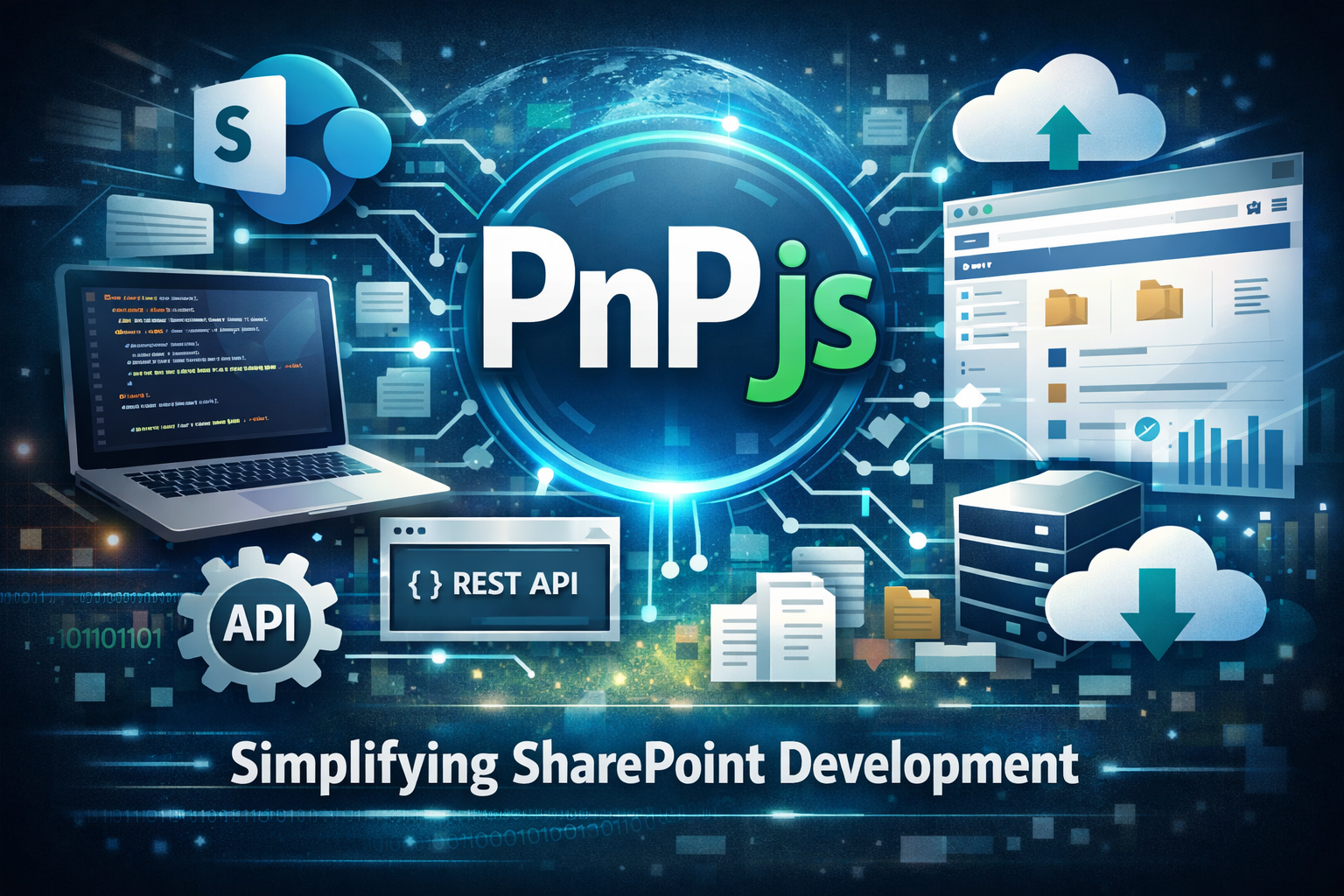
Explaining how to use PnPjs in SPFx for your api calls.
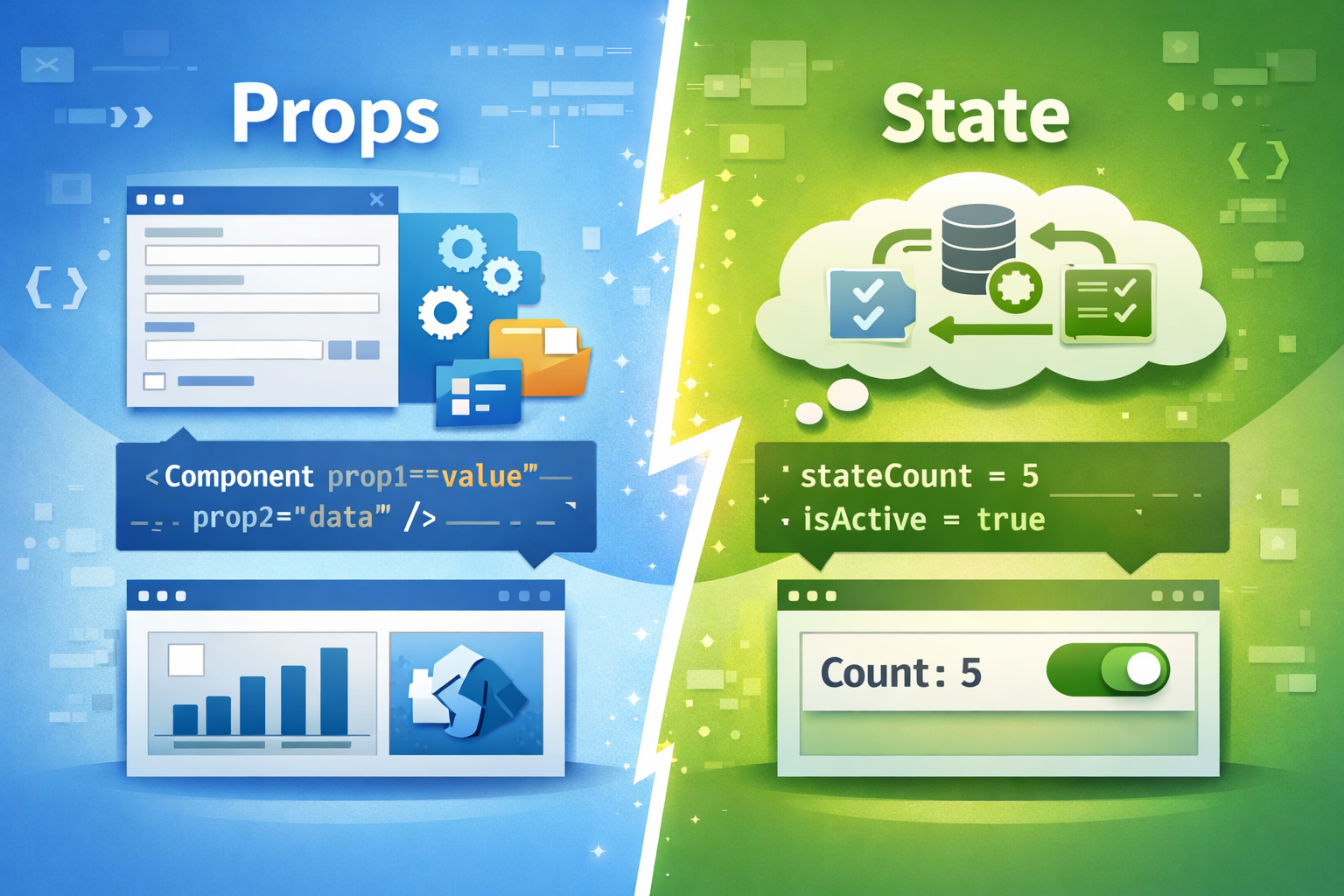
Props and state, what is it and what can it do?
Diving into the essential building blocks of SPFx Extensions

Taking a closer look at important pieces of code

Taking a deeper look to web part properties

Let's take a closer look to the project structure

Create your first web part. Learn how to test and deploy to production

Learn how TypeScript, React, SCSS, and Fluent UI power modern SPFx solutions for Microsoft 365.

Everything you need to know to prepare your development environment
Explanation of SPFx

A look back before M365 in the cloud

Learn how to create your own Conversational Copilot Action with Copilot studio

Learn how to create your own Copilot Action with Copilot studio

What cool new features does Copilot Studio brings?

How to use a certificate in getting an access token

How to use the client credential flow in getting an access token

How to use the refresh token in getting an access token

How to use the authorization code flow in getting an access token

How do you use your Azure functions in a secure way and which authentication level do you use best?

A brief analysis of how the Microsoft Loop public preview work under the hood

In this blog post, we'll explore how to easily integrate Chat GPT into a SharePoint Framework (SPFx) solution.

In this post I will explain how I started as a contributor and what is important to know when you also want to start contributing

What to do when you encounter the error 'Can't add app to Teams'? This post provides two options for resolving this issue

Removing a chatbot with the api seemed pretty straightforward. But this turned out not to be the case when I ran into a '400 bad request'

This post explains step by step how to authenticate against Microsoft Dynamics platform using Postman to test its APIs